Your InsightData App gives you clear insight into your numbers. But when it comes to planning, budgeting, or capturing findings, most teams still resort to Excel. The consequences are familiar: multiple versions of the same file, confusion about which data is correct, and remarks that disappear into email threads or notebooks. The analysis lives in your App, but everything around it still lives outside.
That changes now. With two new options for your InsightData Apps, Write-back and Annotations, data entry and capturing findings move into the same environment as your analyses. No more loose files, no more scattered communication. One place for everything.
Write-back: enter data through your App
With Write-back, you enter data directly through the interface of your InsightData App. Think of budgets, forecasts, schedules, or targets — data that today often lives in a separate Excel file, disconnected from where you actually need it.
The difference with the current way of working is fundamental:
- One version of the truth. Everyone works with the same data. No more impossible version control.
- Better data quality. Entered data is validated and checked before it becomes available. No incorrect or lost data.
- Immediately available. Changes are visible in real-time for every department that works with the App.
- Everything in the database. Nothing lives outside the system anymore. Everything is stored centrally.
The process follows four steps: data entry through the App interface, automatic validation and correction, a security check based on access rights, and finally a real-time update that makes the data immediately available.
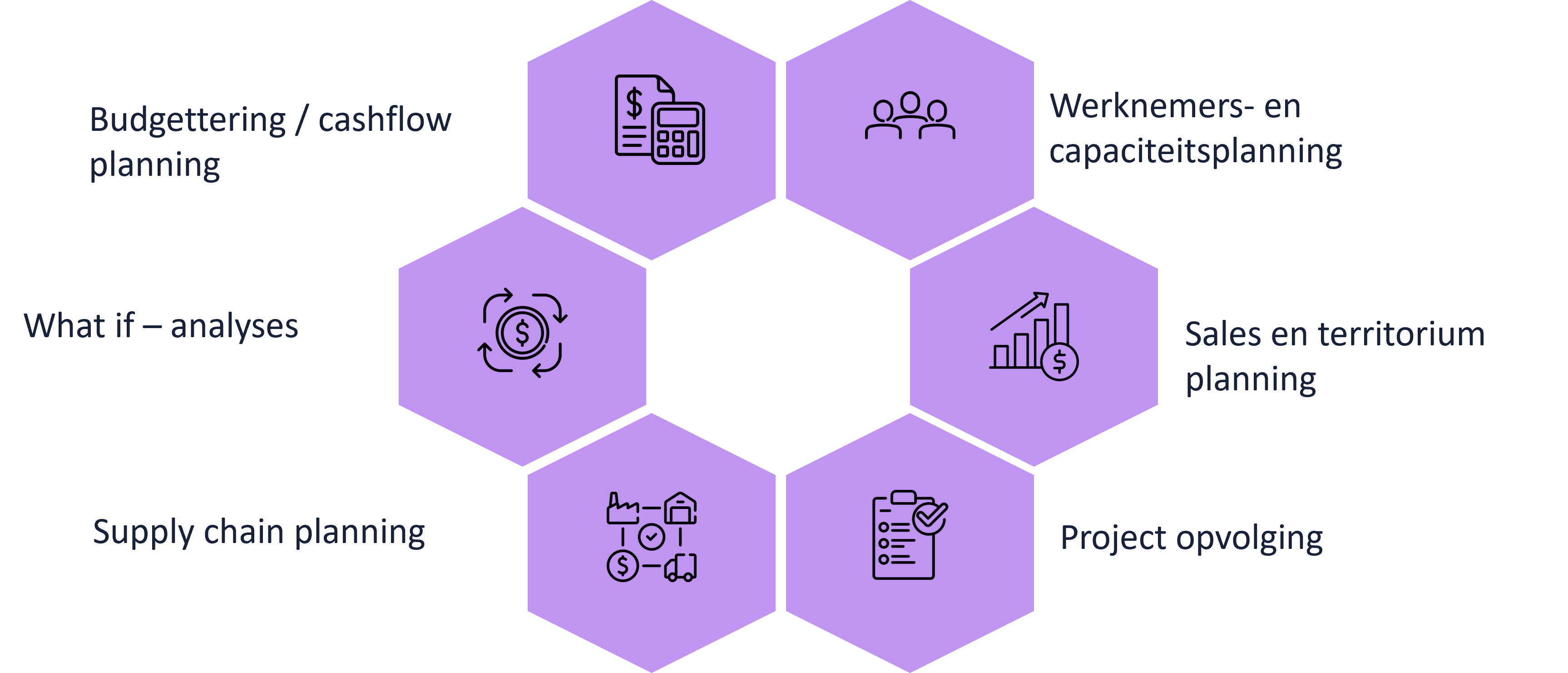
Write-back opens the door to use cases that go beyond reporting. Think of workforce and capacity planning, sales and territory planning, project tracking, budgeting and cash flow planning, what-if analyses, and supply chain planning. All processes that today are often spread across multiple Excel files and systems — and that you can now manage from one place.
Annotations: capture remarks alongside your analyses
When analysing your data, you inevitably come across things that deserve a note. An unexpected dip in the numbers, a notable trend, an action that still needs to happen. With Annotations, you capture those findings right where they are relevant — directly in your App.
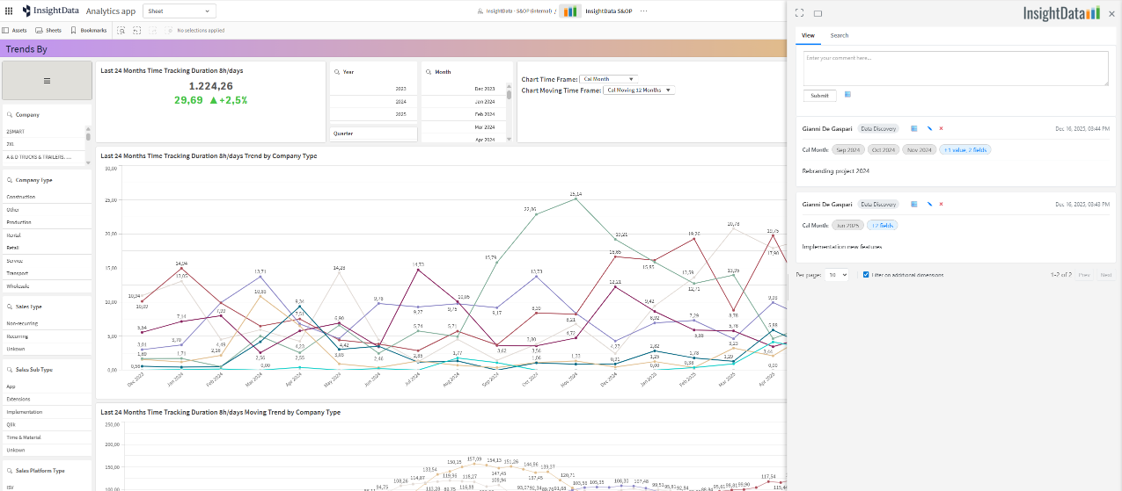
Here's how it works:
- You add a remark to the selection you are currently viewing.
- The annotation automatically includes the full context: date, time, user, and the active data selection.
- Relevant annotations appear across all related visualisations and dashboards — not just the screen where you created them.
- From an annotation, you can reapply the associated selection with a single click, so you immediately see what the remark refers to.
The result: no more loose notes getting lost. No more remarks left behind in email or chat. Everything sits where it belongs — with the data. When a colleague looks at the same selection three months later, they immediately see what was previously identified. No searching, no asking around.
Available for every InsightData App
Write-back and Annotations can be easily added to any existing InsightData App.
Want to know what these options could mean for your situation? Get in touch.